
HVAC buyer guide

Best AI chatbot for HVAC contractors: capture peak-season demand.

An HVAC chatbot should not diagnose equipment problems. Its job is to collect the situation, answer from approved business content, and hand urgent or unclear cases to a real person.

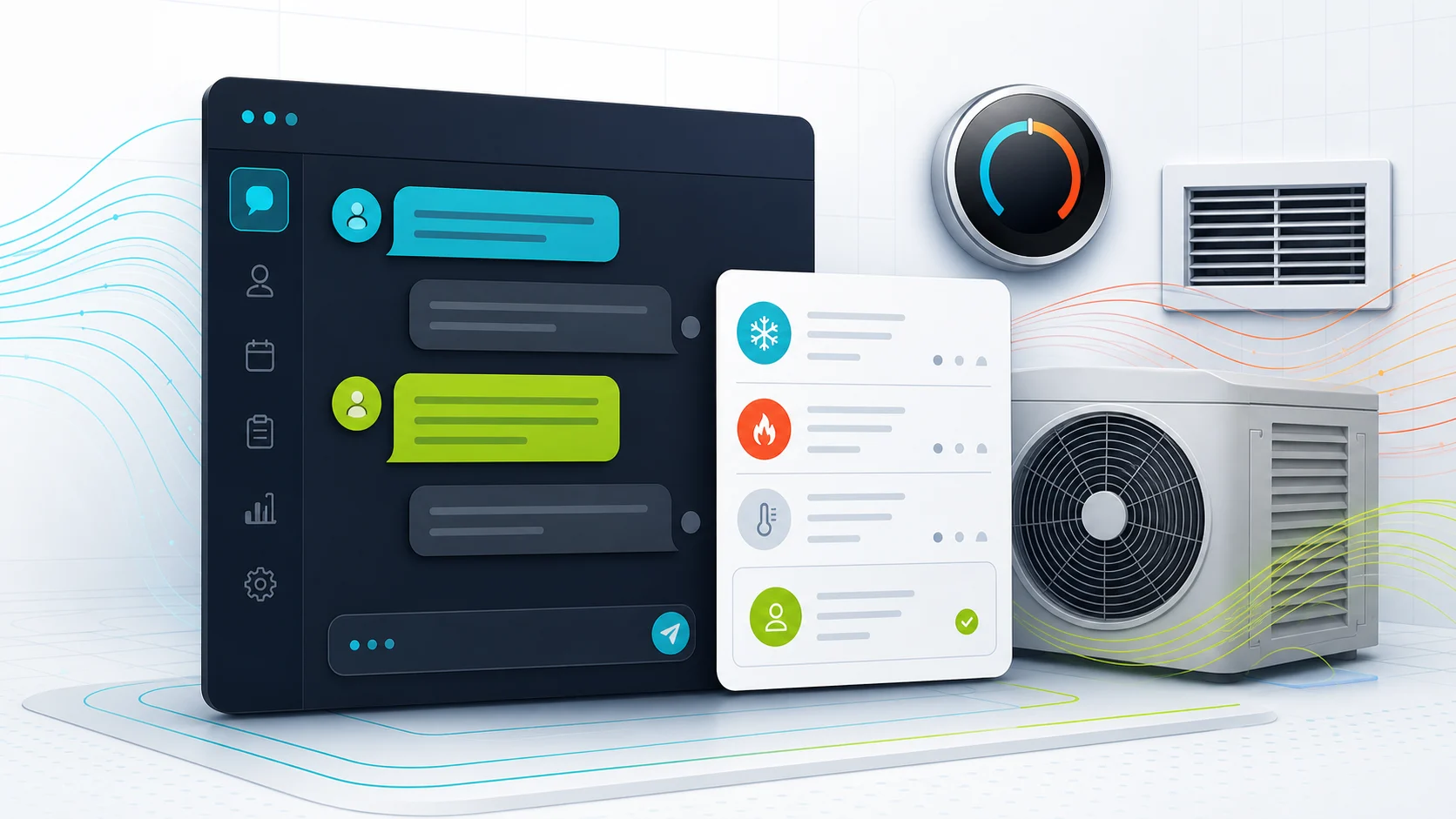
Editorial image showing an HVAC chatbot collecting system and urgency details.

What the visitor needs

Sort no-cool enquiries without pretending to diagnose.

The visitor says the system is not cooling. The chatbot gathers the basics and sends the case to a human.

What the chatbot should collect

Location
Suburb and site type
System
Ducted, split, furnace
Symptoms
No-cool, noise, leak, smell
Handoff
Technician or office review

Safe for the chatbot

A useful service brief without overstepping technical limits.

Needs a person or approved process

No gas, refrigerant, safety, equipment diagnosis, or AI-invented final quote.

Short answer

Start with FastBots if you want a straightforward website-trained assistant to collect better enquiries during seasonal peaks. Look at Chatbase if approved-source control is the main risk. Choose Tidio if live chat, tickets, and inbox handoff matter. Consider ChatBot.com when you want a broader support workspace rather than a simple lead form replacement.

The first win is not a bot that troubleshoots an AC or furnace. It is fewer missed enquiries and cleaner job briefs: suburb, urgency, service type, property type, equipment type, contact details, and a clear callback or escalation path.

For quote-specific boundaries, use the AI chatbot quote-request guide: it keeps quote intake, approved ranges, tested pricing actions, and final price decisions in separate lanes before dispatch or booking workflows enter the picture.

For a lower-risk estimate-intake example outside equipment or safety work, compare the AI chatbot for painters guide: it focuses on rooms, surfaces, photos, timing, and human quote review.

For another equipment-maintenance workflow with safety, dispatch, and service-record boundaries, compare the pool service chatbot guide.

For HVAC work, the chatbot should collect the situation and route it. It should not diagnose equipment faults, gas concerns, refrigerant issues, or safety hazards.

Pricing snapshot

What the active shortlist costs before you trial it.

Price is a primary filter for HVAC businesses, so compare the current range and usage unit before choosing a chatbot.
Current as of 1 June 2026 - 7 June 2026

FastBots

Website AI chatbot

Website chat Small websites that want a trained chatbot without a broader AI-agent buildout.
Cheapest paid plan $33/mo annually Essential plan

Monthly: $39/mo

Includes: 2,000 message credits/mo across 2 bots; standard replies use 1 credit.

Typical price range
$0 to $399/mo; main paid plans run $39-$199/mo
What raises the bill
Message credits (1 standard reply = 1 credit; advanced models use 5-10), chatbot count, handoff, and branding gates

Check current price

Chatbase

Trainable website chatbot

Website chat Teams with help pages, files, Q&A, Notion, or support-ticket sources to manage.
Cheapest paid plan $32/mo annually Hobby plan

Includes: 500 message credits/mo, 1 AI agent, and 5 AI Actions/agent.

Typical price range
$0 to $400/mo annually; Enterprise is custom
What raises the bill
Message credits, AI agents, source limits, actions, seats, and add-ons
Check current price

Tidio

Website chat and support

Live support Stores that need live chat, AI help, and human handoff in one workflow.
Cheapest paid plan $24.17/mo annually Starter plan

Includes: 100 billable conversations/mo; Lyro AI is separate, with the first 50 conversations lifetime free.

Typical price range
$24.17/mo Starter to $749/mo Plus; Premium is custom
What raises the bill
Billable conversations, Lyro AI conversations, Flows visitors reached, and seats
Check current price

ChatBot.com

AI support workspace

Website chat Teams comparing AI agent, live chat, shared inbox, ticketing, and workflows in one Text workspace.
Cheapest paid plan $19/user/mo Essential plan

Monthly: $25/user/mo

Includes: 1 AI agent, 10 AI resolutions/mo, and 10,000 API calls.

Typical price range
$19-$79/user/mo annually; Enterprise is custom
What raises the bill
Per-user pricing plus included AI agents, AI resolutions, API calls, and workflow allowances
Check current price

HVAC workflow

The bot should make the callback easier.

A useful HVAC chatbot is a speed-to-lead and intake layer, not a technician. It should separate urgent or unclear enquiries from routine questions, collect the missing details, and avoid promises about safety, diagnosis, price, arrival time, or repair steps.

What matters most

What matters for HVAC

A quick read on what matters for this buying decision.
Peak-season leads Core job
No-cool intake Core job
Safety handoff Trust
Maintenance leads Repeat work
Booking path Test first
Final quoting Human review

Workflow fit

Where an HVAC chatbot helps, and where it should stop.

Use the chatbot for intake, source-backed answers, and handoff. Keep diagnosis, safety judgement, and operational commitments with people or proven field-service systems.

Lead capture

Strong

Best first use

Approved answers

Strong

Service pages and FAQs

Human handoff

Strong

Important in peak weather

Maintenance leads

Useful

Good repeat-work fit

Booking path

Limited

Test before live use

HVAC diagnosis

Careful

Keep out of scope

Tool layers

Website chatbot, AI receptionist, or field-service system?

HVAC buyers often blur three different jobs. The safest shortlist starts by separating the website layer from phone answering and field operations.
01

Website layer

Website chatbot

Best for service-area answers, lead capture, maintenance-plan questions, quote-prep intake, and callback routing.
  • Service pages
  • Lead briefs
  • Maintenance FAQs
  • Callback paths
02

Reception layer

AI receptionist

Better when the real issue is missed calls, peak-season phone spikes, after-hours answering, or urgent phone routing.
  • Phone answering
  • Urgent routing
  • After-hours calls
03

Ops layer

Field-service system

Needed when the workflow touches dispatch boards, technician calendars, quotes, invoices, payments, or accounting.
  • Dispatch
  • Bookings
  • Invoices
  • Accounting

First shortlist

Which tool should you check first?

These are current ChatbotEdge-reviewed tools that can fit HVAC website-chatbot work. Specialist AI receptionists or field-service systems may be better if the real problem is missed calls, dispatch boards, payments, or ServiceTitan, Housecall Pro, Jobber, or similar operating-system handoff.

Lead capture

FastBots

Simple site-trained lead intake

Start here if

HVAC contractors who want a simple site-trained assistant to collect suburb, equipment type, urgency, contact details, and callback preferences.

Before you choose

FastBots is best treated as lead intake first. Its own lead-generation page supports scheduling links and Zapier or Make handoff, not live trade booking inside the chatbot by itself.
Check FastBots

Source control

Chatbase

Source-controlled assistant

Start here if

HVAC teams with service pages, maintenance-plan notes, service-area rules, rebate caveats, quote policies, FAQs, or documents they want the chatbot to answer from carefully.

Before you choose

Source control helps, but it does not make the chatbot an HVAC technician. Do not assume Chatbase Actions are safe for HVAC booking or job workflows until that exact setup is tested.
Check Chatbase

Handoff

Tidio

Inbox and handoff workflow

Start here if

HVAC businesses that want AI plus live chat, tickets, operating-hours handling, and a shared inbox for the owner, office manager, or dispatcher.

Before you choose

Tidio fits better when a real person will manage the inbox and urgent handoff rules. Treat booking language as a handoff path until your own workflow is tested.
Check Tidio

Workflow

ChatBot.com

Support workspace

Start here if

Larger HVAC teams that want a support workspace with a website widget, ticketing, workflow automation, reporting, and integrations.

Before you choose

Use it as a structured support layer, not an HVAC-specific field-service system. Check every downstream action before it touches booking, quoting, dispatch, or payments.
Check ChatBot.com

Intake flow

What the chatbot should collect before the callback.

Lead path

From no-cool message to reviewed service brief.

The workflow should turn a vague website enquiry into a safer handoff, not into an automated HVAC diagnosis.
01 Visitor asks

Peak weather creates the lead

The visitor says the AC is not cooling, heating has failed, or a quote or tune-up is needed.

02 Bot collects

Capture the useful brief

Suburb, site type, service type, equipment type, urgency, symptoms, contact details, and callback window.

03 Safety check

Flag hazards and stop troubleshooting

Smoke, burning smells, gas concerns, refrigerant concerns, leaks, and electrical hazards should move to an approved human path.

04 Handoff

Route a cleaner service brief

The owner, office manager, dispatcher, or technician gets the transcript and chooses the next step.

No-cool or no-heat call

The visitor says the AC is not cooling, heating is not working, or a heat pump or furnace is failing during peak weather.

Collect location, contact details, equipment type if known, urgency, and callback time, then route to the business's approved handoff path.

Quote request

The visitor wants a price for a split system, ducted system, furnace, heat pump, AC replacement, zoning, or indoor-air-quality project.

Ask for property type, suburb, job type, equipment notes, timing, and preferred callback time. Use approved pricing sources or tested calculator actions only for rough ranges, and route equipment-dependent quotes for review.

Maintenance plan

The visitor asks about tune-ups, filters, seasonal servicing, commercial maintenance, or recurring plans.

Answer from approved service pages and capture the system type, site type, suburb, and preferred follow-up path.

Safety concern

The visitor mentions smoke, burning smell, gas smell, leak, refrigerant concern, or another hazard.

Stop troubleshooting and route to the phone, emergency, utility, or human escalation wording the HVAC business has approved.

Routine FAQ

The visitor asks about service areas, call-out fees, warranties, brands, rebates, financing, or what happens before a visit.

Answer from published pages, pricing notes, policy snippets, and approved Q&A. Stop before diagnosing equipment.

Setup checklist

Set the rules before you set it live.

Write the exact suburbs, postcodes, job types, and equipment categories the chatbot can mention.

Create approved wording for no-cool, no-heat, gas, refrigerant, smoke, leak, and after-hours situations.

Add service pages, maintenance-plan notes, FAQs, call-out fee notes, rebate caveats, and quote-policy snippets as sources.

Define the lead fields: name, phone, suburb, property type, service type, equipment type, urgency, description, and preferred callback time.

Tell the chatbot to collect the situation and route it, not diagnose equipment faults or give HVAC repair instructions.

Send every captured lead and transcript to an inbox, CRM, dashboard, or workflow a real person checks.

Review transcripts before letting the bot near booking, dispatch, quote, payment, invoice, or accounting workflows.

Trust limits

What to automate first, and what stays with a person.

The safest HVAC chatbot gathers details, reads approved pricing or tested calculator output, and explains the next step from approved business copy. It should not diagnose equipment, decide whether a home or site is safe, or promise a model-made final price or emergency outcome.

Safe first jobs

Collect the service brief

Ask for contact details, suburb, site type, service type, equipment type, urgency, symptoms, and preferred callback time.

Answer from approved content

Use service pages, service-area notes, call-out fee wording, maintenance-plan copy, rebate caveats, and quote-policy snippets.

Route by urgency

Send peak-weather failures, safety concerns, after-hours enquiries, or unclear cases to the approved phone, inbox, or human handoff path.

Keep with a person

Technical diagnosis

Do not let the chatbot diagnose AC, furnace, heat pump, gas, refrigerant, combustion, electrical, or safety problems.

Safety decisions

Smoke, burning smells, gas concerns, refrigerant concerns, leaks, electrical hazards, and emergency judgement need a qualified person or approved emergency wording.

Operational commitments

Approved diagnostic fees, maintenance-plan prices, or tested calculator ranges can be shown when configured. Final quotes, price exceptions, bookings, dispatch, technician calendars, payments, invoices, maintenance-plan enrollment, and accounting sync need proven human-reviewed workflows.

Specialist tools

When a chatbot is not enough.

If the real problem is missed phone calls during heat waves, live emergency routing, dispatch-board booking, payments, or field-service software handoff, a website chatbot may only solve part of it. That is where AI receptionist and trade-specific tools become worth comparing.

For this guide, we kept the shortlist to tools ChatbotEdge can describe from official sources. We do not claim those tools are native HVAC dispatch, equipment-diagnosis, estimating, payment, or accounting systems.

A practical split: use a website chatbot to capture and qualify the enquiry; use a specialist phone or job-management layer when you need live call answering, dispatch, calendar, payment, or accounting workflows.

FAQ

HVAC contractor chatbot questions.

What should an HVAC chatbot never decide on its own?

An HVAC chatbot should not diagnose equipment, talk a visitor through gas, refrigerant, or combustion checks, judge whether a furnace, heat pump, or split system is safe, invent rebate amounts, commit to a final replacement price, or promise dispatch on peak-weather days. Compliance, refrigerant handling, and warranty calls belong to a licensed technician. The chatbot collects equipment type, age signals, symptoms, urgency, suburb, and a callback path, answers from approved service, maintenance, and rebate pages, and routes safety language to the approved emergency wording.

Reviewed

Which chatbot should an HVAC contractor check first?

FastBots is a strong first check for HVAC contractors that mostly need cleaner enquiry intake: suburb, equipment type, age signals, urgency, and callback time captured during the chat and emailed to the office. Chatbase fits when maintenance-plan notes, rebate caveats, and brand-coverage rules need careful source control. Tidio fits when a dispatcher will run the inbox and live handoff. ChatBot.com fits larger HVAC teams that already use a wider support workspace.

Reviewed · Sourced from FastBots lead generation

What lead details should an HVAC chatbot collect before handing off?

Collect name, phone, email if useful, suburb or postcode, property type, site type such as residential, multi-family, strata, retail, or light commercial, the system involved like split system, ducted, furnace, heat pump, package unit, or mini-split, approximate equipment age and brand if known, symptoms such as no cool, no heat, short cycling, leaking, or noisy operation, urgency level, current indoor conditions, and the preferred callback time. Capture whether the visitor owns, rents, or manages the property so the right person can sign off on quotes and service plans.

Reviewed

Is a chatbot better than a phone line for an HVAC business?

It is not a replacement, it is a different shift. The phone stays the best path for no-cool or no-heat calls in peak weather, gas or refrigerant concerns, and any system a dispatcher needs to triage by ear. A chatbot earns its place on replacement enquiries, maintenance-plan signups, rebate questions, and after-hours leads that would otherwise leave. Treat the chatbot as the form that fills out itself when the office is closed, and route safety language and peak-weather failures to the approved emergency phone wording immediately.

Reviewed

How should an HVAC chatbot handle seasonal demand spikes?

Plan the chatbot for the first heatwave or cold snap, not an average week. During spikes, intake quality matters more than speed: equipment age, suburb, site type, and symptoms decide which call gets a same-day visit, so make those fields required. Use approved wording for current callback windows so the bot never promises a slot the dispatcher cannot keep. Capture replacement enquiries differently from no-cool or no-heat calls and route them to a different inbox, because a new install can wait but a failing system on a 38-degree day cannot.

Reviewed

Decision recap

If this, then that.

  • Start with FastBots — if peak-season lead intake and callback routing are the main job.
  • Use Chatbase — if service-area, fee, and equipment rules must answer from approved sources only.
  • Pick Tidio — if a shared inbox, live chat, and operating-hours handoff are needed.
  • Route to a person — for gas, refrigerant, burning smells, no-cool emergencies, or final quote commitments.