Public site
Website pages and sitemaps
Best for brochure sites, service pages, pricing pages, policy pages, and support pages that are already public and crawlable.- Website URLs
- Sitemaps
- Specific pages
- Public FAQs
Inventory-Crawl-Refresh-Test
The buying question is not just whether a chatbot can read your website. It is whether it can use the right pages, files, help articles, product data, and refresh path for the job.
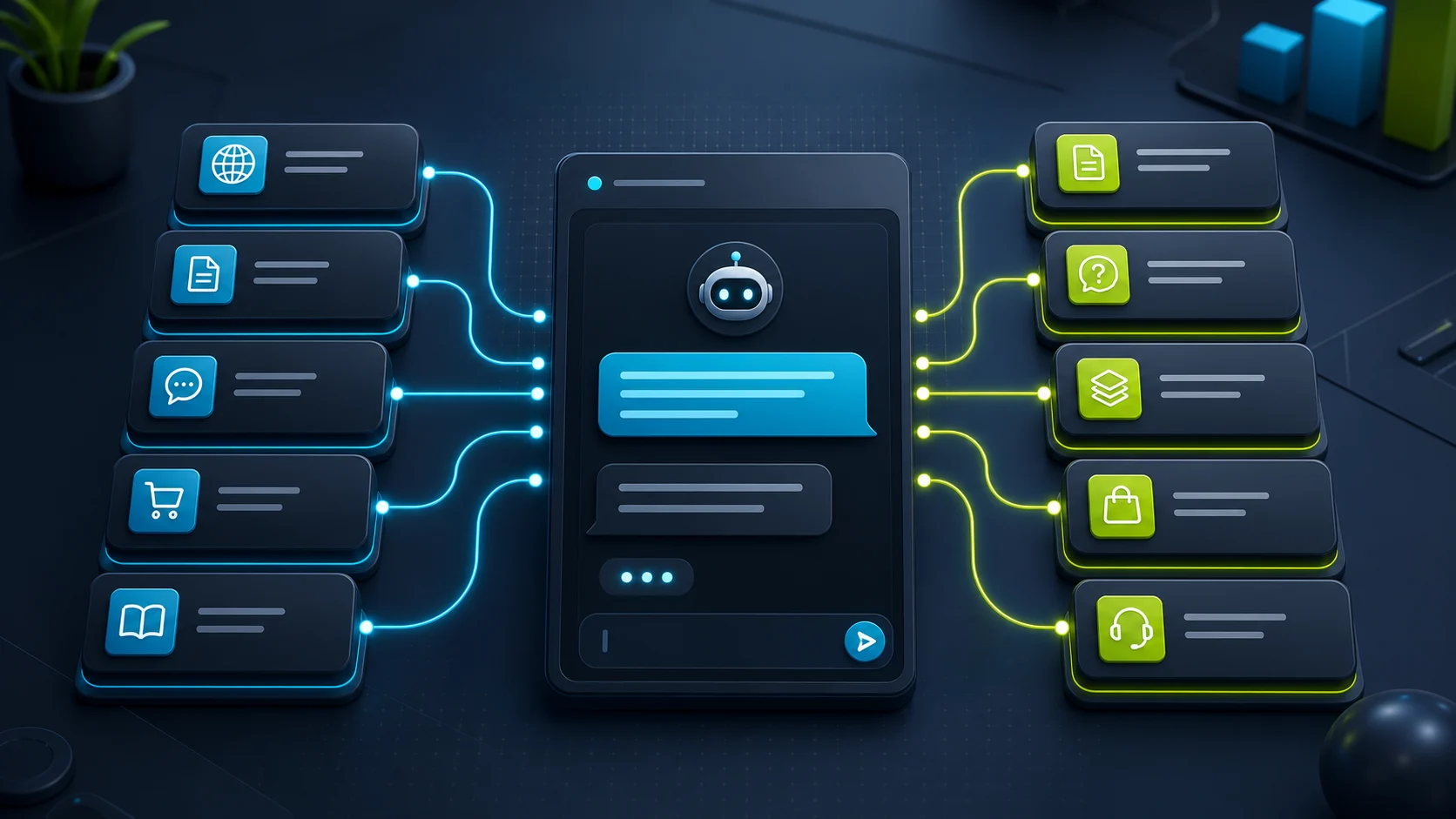
Use the Inventory-Crawl-Refresh-Test check. First list the pages, files, help articles, product data, and manual answers the bot should use. Then check how each tool ingests those sources, how updates refresh, and what happens when the answer is missing.
FastBots, Chatbase, Tidio, and ChatBot.com all document ways to use website or knowledge-source content. The better choice depends on what "from my website" really means for your buyer job.
FastBots and Chatbase are the cleanest first checks for public website answers and document-style sources. Tidio is stronger when the website answer needs to sit inside support workflow, Zendesk knowledge, or ecommerce product context. ChatBot.com is worth checking when the buyer wants AI Knowledge inside the broader Text support workspace.
For a source-freshness example where stale or invented facts are a bigger risk, compare the real-estate chatbot guide: listing Q&A should stay tied to approved pages or tested data flows.
Source layers
Public site
Docs
Support
Store data
Tool fit
Strong for public site answers
Website and document chatbot
Start here if
Small sites that want a trained chatbot over website pages, sitemaps, uploaded documents, Google Sheets, or YouTube URLs.Before you choose
If you need strict website-only answers, confirm how the bot uses uploaded content, ChatGPT knowledge, and live web data in your configuration.Strong for source control
Controlled source workspace
Start here if
Teams that want websites, sitemaps, files, snippets, Q&A, Notion, and source cleanup in one AI-agent workspace.Before you choose
Auto Retrain is documented for Standard and Pro plans; Hobby users should expect to retrain manually after source changes.Strong for support context
Support knowledge plus commerce
Start here if
Teams that want Lyro to use website data, manual Q&A, CSV/PDF imports, Zendesk articles, solved-chat suggestions, and store products.Before you choose
Tidio documents priority-page, single-page, URL, file, Zendesk, and product-sync paths, but some higher limits and auto-sync options sit behind Plus/Premium-style packages.Strong for help-center sources
AI Knowledge inside Text
Start here if
Support teams that want AI Assist to use websites, articles, KnowledgeBase, Zendesk, and the wider ChatBot/Text workflow.Before you choose
ChatBot.com documents a bot-structure-first priority, then AI Knowledge. That is useful, but it means you should test what answers come from flow logic versus source content.Capability table
A full-site crawl, a sitemap, a PDF, a manual Q&A, a help-center import, and a product sync are not interchangeable. Start with the source type your business actually trusts.
| Tool | Website path | Other sources | Refresh check | Best fit |
|---|---|---|---|---|
| FastBots | Entire websites and sitemaps are documented. | PDF, DOC, DOCX, CSV, XLS, Google Sheets, and YouTube URLs are documented on the official site. | Buyer should confirm retrain/refresh cadence for the chosen setup. | Straightforward public website Q&A. |
| Chatbase | Full site, sitemap, and individual URL crawling are documented. | PDF, TXT, DOC/DOCX, text snippets, Q&A, and Notion are documented. | Auto Retrain is documented for Standard and Pro; Hobby retrains manually. | Source-managed AI agent with cleanup controls. |
| Tidio | Lyro can scan priority pages, single pages, and URL sources. | Manual Q&A, CSV, PDF, Zendesk Help Center, solved-chat suggestions, and product sync are documented. | Manual re-sync is documented; weekly auto website re-sync is documented for custom Plus/Premium packages. | Support workflow plus public-site and product knowledge. |
| ChatBot.com | AI Knowledge documents website scanning as a source type. | Articles, KnowledgeBase, Zendesk, and training content are documented; source count is documented up to 5,000. | Refresh content controls are documented for article sources; buyer should test source update behavior. | Support bot inside the broader Text workspace. |
Inventory-Crawl-Refresh-Test
Separate public pages, PDFs, help-center articles, product data, private policies, and manual answers before choosing a chatbot.
Ask whether the tool crawls a full site, sitemap, priority pages, individual URLs, files, manual Q&A, help centers, or product feeds.
A chatbot that can answer from your site still needs a retrain, re-sync, or auto-refresh path when your content changes.
Use questions whose answers exist in one page, multiple pages, a file, and nowhere at all. Unknowns should trigger a safe fallback.
Worked example
This is a planning example, not a live crawl or account test. It shows how the Inventory-Crawl-Refresh-Test check keeps a website bot useful without letting it drift into private records, live scheduling, billing, or clinical advice.
| Site | BrightPath Dental website |
|---|---|
| Inventory | Public pages cover services, insurance, new-patient forms, hours, location, and after-care PDFs. |
| Crawl | A public website crawl is enough for service and policy answers; patient records, appointment availability, and billing are outside scope. |
| Refresh | Insurance and hours pages need a re-sync check after edits; static after-care PDFs can refresh on a slower review rhythm. |
| Test | Ask one service question, one insurance question, one PDF after-care question, and one question the site does not answer. |
| Safe fallback | If the answer is not in the approved pages or PDFs, collect the question and route it to the office instead of guessing. |
Risk boundary
Hours, service areas, shipping policy, return windows, booking prep, and standard product or service descriptions.
Answers where the visitor can see or request the source page, help article, or approved knowledge item.
Collecting the user's question, page context, product interest, or quote details before a human reviews the request.
If the source content does not answer the question, the bot should say so or hand off rather than improvise.
Public website content is not proof of authenticated account actions, live inventory, refunds, diagnostics, or emergency advice.
A source-aware chatbot still needs re-sync, review, and fallback testing after pages or policies change.
Buyer checks
This is where a buyer avoids a disappointing trial. Most tools can say "train on your website"; fewer buyers ask how source quality, refresh, and fallback actually work.
Check full website, sitemap, priority pages, single URLs, files, Q&A, help center, product feed, and private content separately.
Source cleanup matters when the crawler finds old pages, duplicated policies, obsolete PDFs, draft copy, or thin product pages.
Look for manual retrain, re-sync, auto-refresh, source timestamps, and plan gates before assuming changed pages update automatically.
A good website-answer bot should cite, hand off, ask a clarifying question, or say it does not know instead of inventing a policy.
Sources used
This guide confirms documented source-ingestion paths from public vendor sources, but it does not claim hands-on crawl quality, answer accuracy, source ranking, or production support performance. Source links were reviewed on June 2, 2026; recheck current vendor docs before relying on exact source limits, refresh behavior, or plan gates.
Next checks
A website-source chatbot still needs enough usage allowance, a safe unknown-answer fallback, and a support handoff path when the content cannot answer the buyer's question. If the source path is clear, use the plan picker to choose the first tier to inspect.
Recap: inventory the trusted content, crawl only what should answer, refresh after changes, and test one missing-answer question before inviting real visitors to rely on it.
FAQ
Yes, several AI chatbot tools document website or URL-based source ingestion. The buyer still needs to check whether the tool crawls a full site, sitemap, priority pages, single URLs, files, help centers, product data, and how it refreshes changed content.
Reviewed
No. Public website training can answer from product pages and policy pages, but it is not the same as authenticated order lookup, stock-aware product sync, cart actions, refunds, billing changes, or account-specific support.
Reviewed
It depends on the crawl mode you pick. Chatbase documents three explicit options: "You have three ways to fetch content from the web: Crawl a full website" using the homepage URL, "Submit a sitemap" pointing to an XML sitemap, or "Add individual links" for specific URLs. Each has different control trade-offs: full-site crawls find pages you forgot but also pull in drafts and policy duplicates; sitemaps usually match what is indexed; URL lists are tightest. Pair the crawl decision with the source-cleanup question on /guides/which-ai-chatbots-can-answer-from-your-website before training.
Reviewed · Sourced from Chatbase data sources docs
Several tools document file-based sources next to website crawling. FastBots positions itself as training across multiple input types, and Chatbase documents specific file formats on its data sources page: "Chatbase supports the following file formats: .pdf (PDF Documents) .txt (Plain Text Files) .doc / .docx (Microsoft Word Documents)". That matters when the answer lives in a policy PDF, a product spec sheet, an internal SOP, or a transcript rather than a public web page. Run one test question per file type, and re-check the source-refresh behavior in the /guides/which-ai-chatbots-can-answer-from-your-website guide before treating uploads as a stable knowledge base.
Reviewed · Sourced from Chatbase data sources docs
The safer behavior is to say it does not know, ask one clarifying question, or escalate to a person, rather than invent a policy. A well-designed source-trained bot should be configured so that missing-answer paths trigger a defined fallback: a human handoff, a ticket, a callback request, or a clear "I don't have that" reply. Test this on purpose by asking a question whose answer is deliberately not in your trained content. If the bot improvises confident-sounding text instead of escalating, that is a configuration problem, not a model problem. The handoff guide at /guides/which-ai-chatbots-support-human-handoff pairs well with this test.
Reviewed
Decision recap