Lead capture
StrongBest first use
Pest-control buyer guide
A pest-control chatbot should not identify species, judge severity, advise chemicals, or promise treatment. Its job is to collect the brief, answer from approved business content, and hand off before the work becomes operational.
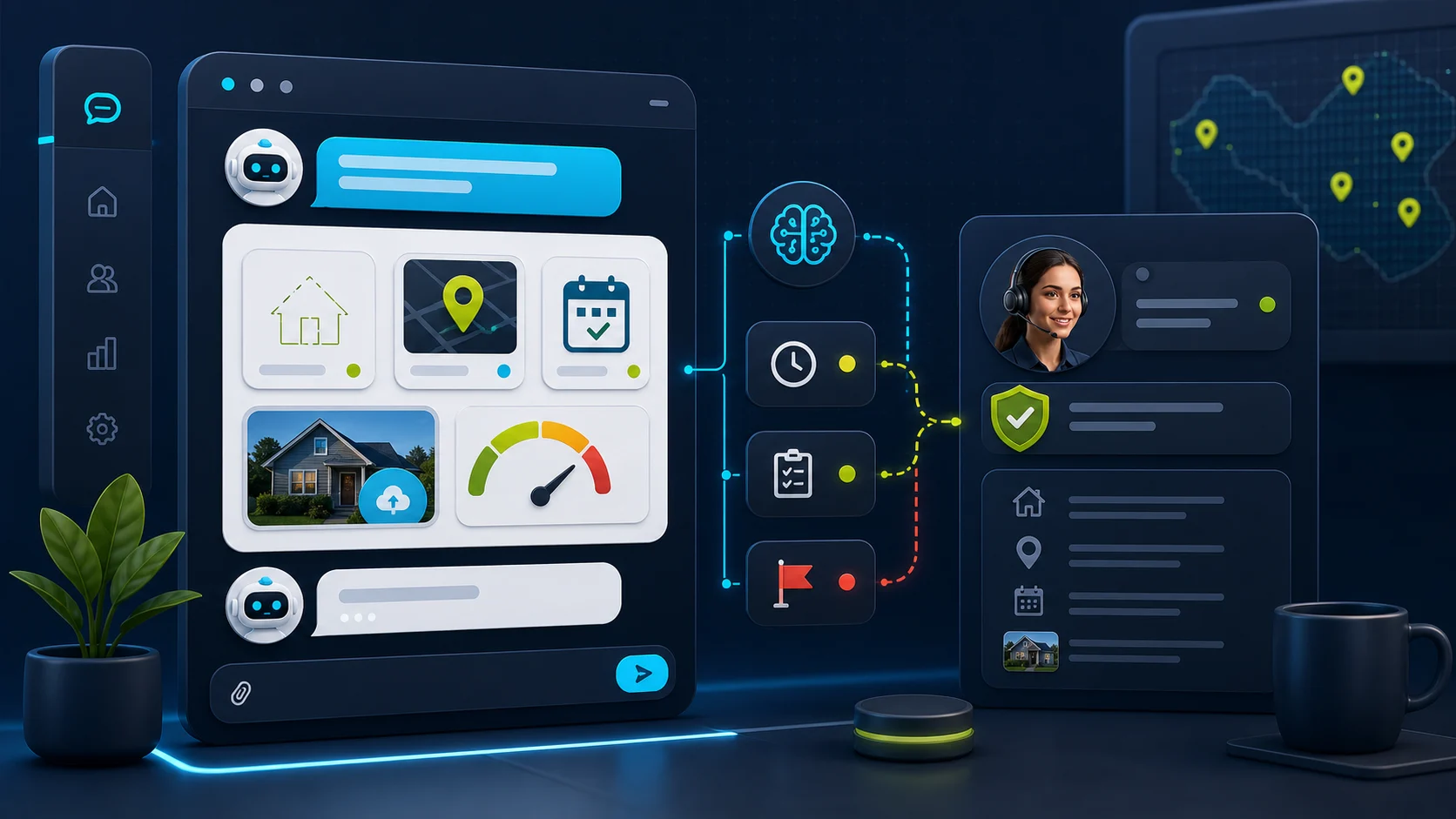
What the visitor needs
What the chatbot should collect
Safe for the chatbot
Cleaner pest-control enquiries without turning the chatbot into a technician or compliance system.Needs a person or approved process
No species ID, chemical advice, health guidance, treatment promise, appointment guarantee, AI-invented final quote, or billing action.Start with FastBots if you want a straightforward site-trained assistant to collect pest-control enquiries. Look at Chatbase if approved-source control is the main risk. Choose Tidio if live chat, tickets, and inbox handoff matter. Consider ChatBot.com when you want designed question flows and a broader support workspace.
The first win is not a bot that diagnoses the pest or tells a homeowner what treatment to use. It is fewer missed enquiries and a better lead brief: service area, property type, pest concern, photos, urgency, pets or children context, access notes, contact details, and a clear callback path.
For the broader quote boundary, use the AI chatbot quote-request guide. For WordPress-specific setup, compare this with the FastBots WordPress lead-capture guide.
Keep the chatbot as intake and routing. Species identification, infestation severity, pesticide advice, health risk, treatment method, appointment promises, model-made final quotes, and billing actions should stay with a qualified person or a tested workflow.
Pest-control workflow
A useful pest-control chatbot is an intake and routing layer, not a pest identifier, treatment advisor, dispatcher, compliance system, or billing tool. It should separate routine service enquiries from diagnosis, chemical, health, quote, and appointment questions that need a person.
What matters most
Where it helps
Best first use
Good fit
Helpful brief
Source-backed
Required
Proof needed
Do not automate
Choose the right layer
Website layer
Reception layer
Ops layer
Shortlist
Lead capture
Simple service intake
Start here if
Pest-control companies that want a simple site-trained assistant to collect name, phone, suburb, property type, pest concern, photos, urgency, access notes, pets or children context, and callback preference.Before you choose
FastBots is best treated as lead intake first. Its official lead-generation page supports qualifying questions, contact capture, lead storage, email notifications, scheduling-link context, and Zapier or Make handoff. Do not turn that into treatment advice, species identification, chemical guidance, or confirmed dispatch without testing.Source control
Source-controlled assistant
Start here if
Teams with service pages, pest guides, prep instructions, service-area rules, warranty notes, inspection policies, and FAQ content they want the chatbot to answer from carefully.Before you choose
Chatbase supports source-controlled answers, lead forms, and custom actions, but those are not proof of a safe pest-control workflow. Treat actions as a capability to evaluate before they touch bookings, customer records, treatment notes, quotes, invoices, or payments.Handoff
Inbox and handoff workflow
Start here if
Pest-control teams that want AI plus live chat, tickets, operating-hours handling, and an inbox where a person can take over urgent, sensitive, or quote-heavy enquiries.Before you choose
Tidio fits better when a person owns the inbox and handoff rules. Keep diagnosis, chemical advice, health concerns, severe infestations, technician routing, confirmed appointments, invoices, and payments human-reviewed until tested.Flow design
Designed flow capture
Start here if
Larger pest-control teams that want designed question flows, saved visitor attributes, lead lists, LiveChat transfer, reporting, and broader support-workspace features.Before you choose
ChatBot.com is useful for structured intake, but flow design does not make it a pest-control operating system. Check every downstream action before it touches calendars, treatment records, inspection reports, billing, payments, or customer commitments.Service intake flow
The visitor asks about ants, cockroaches, termites, rodents, wasps, bed bugs, fleas, spiders, or a recurring-service plan.
Ask for suburb or ZIP code, property type, pest concern, photos if useful, where it was seen, urgency, occupants, pets, access notes, and contact details.
The chatbot can route the lead and explain approved next steps, but chemical advice, species confirmation, health risk, infestation severity, and treatment promises need a person.
The owner, office manager, technician, dispatcher, or sales team gets a tighter brief before confirming price, visit timing, treatment scope, or safety instructions.
What the chatbot should collect
The visitor asks about ants, cockroaches, spiders, rodents, fleas, wasps, stored-product pests, or a general treatment.
Collect property type, suburb or ZIP code, pest concern, where it was seen, photos if useful, timing, contact details, and preferred callback path.
The visitor mentions termites, wood damage, mud tubes, inspection, treatment options, warranty, or a real-estate deadline.
Capture the concern, property details, photos, timing, and contact details. Route to a qualified person before identifying species, assessing damage, quoting, or promising treatment.
The visitor reports a sting risk, wasp nest, rodents inside, bed bugs, bites, children, pets, allergies, rental pressure, or a business-impacting pest issue.
Collect enough context to route quickly, show the approved phone or escalation path, and avoid health, chemical, safety, or severity judgement.
The visitor wants monthly, quarterly, restaurant, strata, warehouse, office, rental, or property-manager service.
Ask for facility type, location, business type, service frequency, pest history, access hours, compliance needs, and decision-maker contact details.
The visitor asks about service areas, preparation, pets, children, arrival windows, follow-up visits, warranties, pricing process, or what happens after treatment.
Answer from approved pages and policy snippets. Use approved pricing sources only, and stop before chemical advice, diagnosis, health guidance, appointment promise, or treatment guarantee.
Setup checklist
Define the intake fields: name, phone, email if useful, address or suburb, property type, pest concern, where it was seen, photos, urgency, occupants, pets, access notes, timing, and preferred callback path.
Write approved wording for service areas, inspection process, common pest categories, preparation instructions, recurring plans, aftercare, warranty limits, pets, children, rentals, and commercial enquiries.
Add service pages, pest pages, prep pages, warranty pages, service-area pages, safety disclaimers, billing policies, and FAQs as sources.
Tell the chatbot to collect and route the situation, and use approved pricing sources or tested calculator output only for permitted ranges. It should not identify pests, diagnose severity, advise chemical use, promise treatment, confirm appointment windows, or invent final quotes.
Send captured leads and transcripts to an inbox, dispatcher, owner, technician, CRM, sheet, or workflow that a person checks.
Review transcripts before connecting the chatbot to calendars, pest-control software, inspection reports, treatment notes, invoices, payments, or customer-record updates.
What the chatbot should not decide alone
Ask for contact details, service area, property type, pest concern, photos, where it was seen, urgency, access notes, pets or children context, and preferred callback path.
Use service pages, prep instructions, service-area rules, recurring-plan copy, warranty notes, billing policies, and approved FAQs.
Send termite, sting, bed bug, rodent, health, rental, commercial, urgent, quote-sensitive, and unclear cases to the approved phone, inbox, or human handoff path.
Species confirmation, infestation severity, treatment method, chemical advice, exclusion recommendations, preparation exceptions, health risk, and safety judgement need a qualified person and the business's approved process.
Calendar holds, technician assignment, inspection reports, treatment records, compliance notes, warranty decisions, and customer-record writes need tested workflows.
Approved ranges or calculator output can be useful when configured. Final quotes, discounts, subscriptions, invoices, payment collection, refunds, financing, and accounting sync should stay out of free-form chatbot answers until the workflow is proven.
Do not automate first
Specialist systems
If the real problem is inspection scheduling, termite reporting, route management, recurring-service records, treatment notes, compliance documentation, invoices, payments, or technician accountability, a website chatbot may only solve the first step.
For this guide, we kept the shortlist to tools ChatbotEdge can describe from official sources. We do not claim those tools are native pest-control route, inspection, treatment, compliance, billing, or field-service systems.
A practical split: use a website chatbot to capture and qualify the enquiry; use a specialist pest-control, phone, or field-service layer when you need schedules, reports, treatment records, warranties, invoices, payments, or customer-history workflows.
Sources checked
Product details change. Check the current vendor docs before giving a chatbot permission to identify pests, advise treatment, create appointments, write records, show live or calculated prices, collect payments, or make customer promises.
FAQ
A pest-control chatbot should collect the issue, photos, property details, urgency, and callback details. Species confirmation, treatment choice, pesticide advice, health risk, and final service decisions should stay with a qualified person or a tested workflow.
Reviewed
FastBots is a strong first check for simple pest-control lead intake. Chatbase fits source-controlled answers. Tidio fits live chat and inbox handoff. ChatBot.com fits designed flows and broader support-workspace needs.
Reviewed
No. Pesticide products are regulated and the EPA is explicit that pesticides must be registered with EPA before use. The chatbot can collect pest type, severity, photos, property details, pets and children in the home, prior treatments, and callback details, then route to a licensed technician. Product choice, dosage, application method, re-entry timing, and safety advice should stay with the technician and the product label. See /guides/which-ai-chatbots-support-human-handoff for the handoff boundary.
Reviewed · Sourced from EPA Pesticides Must Be Registered With EPA
Book the assessment first. Different pests, different infestation severity, different building construction, and different pet or child considerations all change what gets treated and what it costs. The chatbot can share the starting call-out or inspection language the company has posted, collect intake details, and route the request. Treatment plan, product choice, and final price should follow the technician's inspection, not a model-made promise on the website. Keep this aligned with /guides/ai-chatbot-quote-requests.
Reviewed
Yes, with limits. The chatbot can repeat approved copy about the company's recurring plans, included pests, visit cadence, contract length, and guarantee language drawn from the website. It should not invent a custom frequency, promise a fixed price for a specific home, or claim a guarantee scope that is not in the published policy. New-customer signups, contract changes, and special-case quotes belong with the office or a tested workflow. See /guides/which-ai-chatbots-support-human-handoff for routing.
Reviewed
Decision recap